Recruitment assessment tools are software that help test candidates on the skills, abilities, or behaviors needed for a job before the interview. However, the right tool depends on the position. For example, developers might take coding tests, engineers could complete work samples, and high-volume hourly roles may use short job previews. These results should be used along with structured interviews, not as the only factor in hiring decisions.
A polished resume, even if written by AI, does not show whether a candidate can actually do the job. So more employers are using candidate assessment tools before the first interview.
In fact, we assess technical and frontline candidates every week for employers across the US.
In short, this guide shows how to pick the right tool for your roles, lists seven options with trade-offs, and explains when a recruiter is faster than buying software.
What Are Recruitment Assessment Tools?
Recruitment assessment tools are software that measure a candidate’s skills, abilities, or work style against a job’s needs before you decide who to interview or hire. Also, some teams call them recruitment and selection assessment tools. Also, they provide scores, work samples, or recorded answers to review.
However, they only support decisions. They do not make them. The U.S. Office of Personnel Management (OPM) says using a variety of assessments tends to improve the validity of the process. So treat any score as one input alongside a structured interview.
How are talent assessment tools different from an ATS?
An ATS tracks applicants and moves them through stages. However, talent assessment tools test them. Also, candidate evaluation software sits next to your ATS and sends results back into it.
What Types of Candidate Assessment Tools Are There?
In total, seven types of candidate screening tools cover most hiring. However, each type shows one thing and misses another.
| Type | What it shows | What it can’t tell you |
|---|---|---|
| Skills test | Specific job knowledge | How the person works on real tasks |
| Work sample | Real output on a real task | Speed at scale; takes longer to score |
| Coding test | Problem-solving in code | Day-to-day engineering judgment |
| Cognitive | Learning speed and reasoning | Job knowledge or motivation |
| Personality | Work style preferences | Ability to do the job |
| Situational judgment | Choices in role scenarios | Hands-on skill |
| One-way video | Communication at volume | Technical depth |
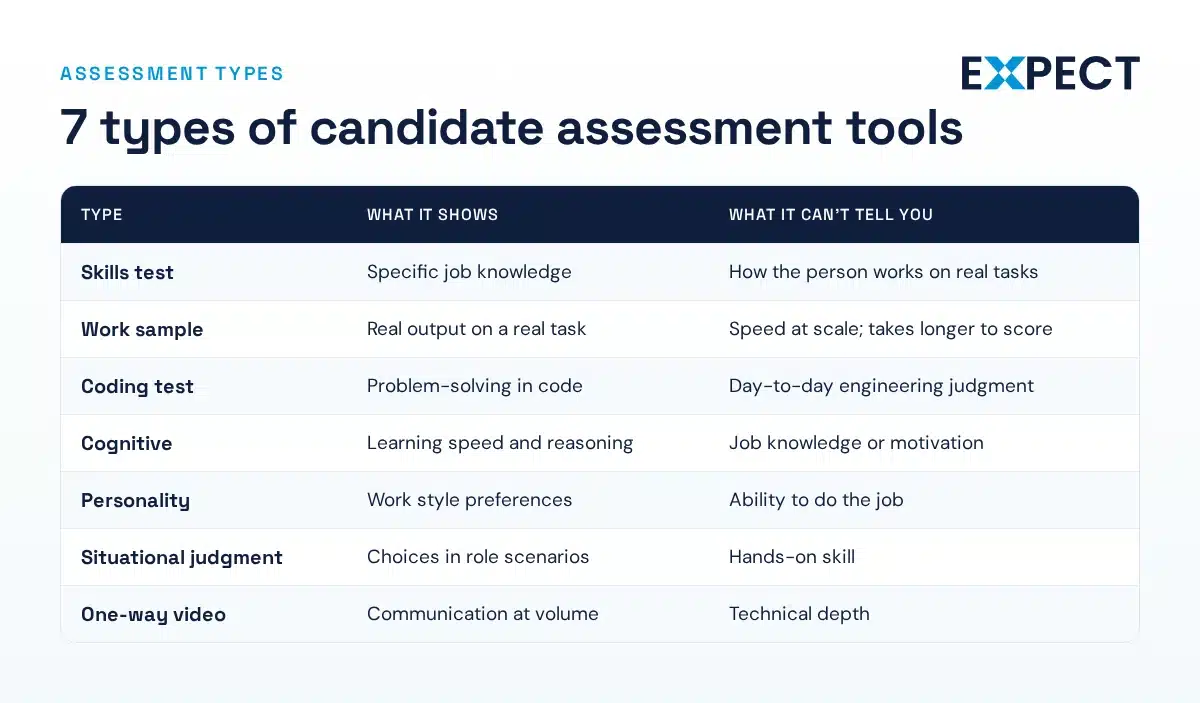
So, use more than one type for important roles. For example, a coding test shows skill, and a structured interview shows judgment.
Also, for hourly roles, a short job preview plus a reliability screen is often enough.
Which Pre-Employment Assessment Tools Fit Your Role?
First, start with the role, not the tool. Next, each row names the bottleneck and the assessment that fits.
| Role | Bottleneck | Assessment | Expect page |
|---|---|---|---|
| Software and IT | Resumes don’t prove coding ability | Coding test and structured technical interview | Software developer recruiters |
| AI and ML | Few qualified applicants | Project task, live problem-solving | AI recruiters |
| Engineering | Need proof of design judgment | Work sample or case review | engineering recruiters |
| CAD and design | Portfolio quality varies | Timed drafting task | CAD drafter staffing |
| Technicians | Hands-on skill is hard to test online | Technical screen plus practical check | technician staffing |
| Warehouse and manufacturing | High volume, high turnover | Short job preview and reliability screen | Warehouse staffing, manufacturing staffing |
| Sales | Polish hides weak pipeline skills | Role-play or situational judgment test | sales rep recruiters |
| Admin, accounting, writing | Accuracy and detail | Skills test or writing sample | administrative staffing, accounting and controller recruiting, technical writers staffing |
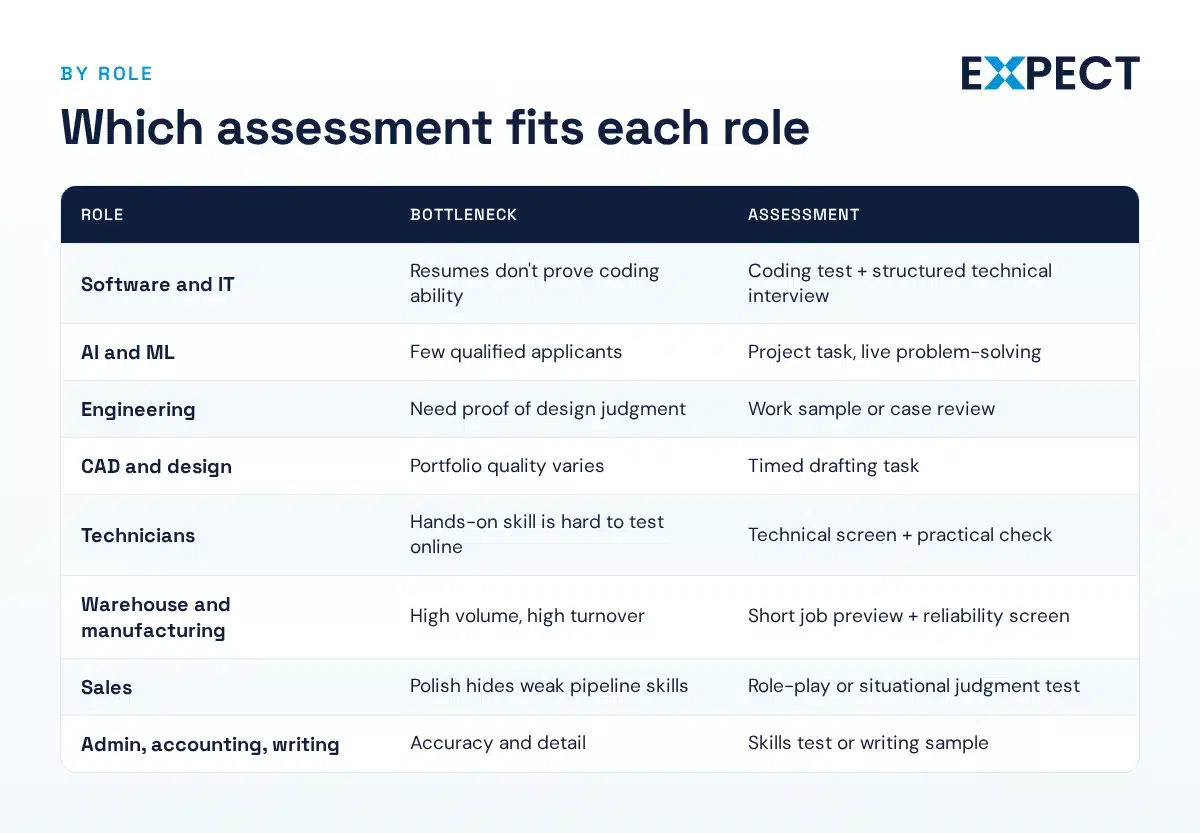
For example, for IT positions, use assessment software to manage the initial coding screen. Next, technicians should go through technical screening tools and a practical test. When hiring for high-volume roles, choose pre-hire assessments that only take a few minutes for candidates to complete. For sales roles at mid-sized companies, combine a role-play with a situational judgment test. This combination helps reveal real sales habits that interviews alone might miss.
Hiring for one of these roles and short on screening time? In short, Expect’s recruiters assess candidates before you see them. Talk to us about contract recruiting
7 Best Recruitment Assessment Tools
First, we chose these products based on published information and Expect’s hiring experience. Also, no vendor paid to be included. However, Truffle appears in its own guide, so we list it using the same format as the others. Also, we do not use star ratings. Prices are from fall 2026, so please check them before buying.
1. Codility
Best for: software engineering hiring.
What it assesses: async coding, SQL, project tasks, and live technical interviews.
Trade-off: it is built for technical roles. Also, this candidate testing software covers the full technical screen, from the first coding task to the live interview.
Pricing model: online plans from $4,800 a year or $800 a month; Enterprise by quote.
Ask before buying: which ATS connects on your plan. Online plans include one standard integration such as Greenhouse, Lever, or Ashby. However, Workday and SAP need Enterprise.
2. HackerRank
Best for: coding tests across technical roles.
What it assesses: coding challenges and technical screening.
Trade-off: Starter has no ATS or calendar integrations. However, HackerRank lists 55+ programming languages, which helps when you screen across stacks.
Pricing model: Starter at $79 a month billed annually, Pro at $419, Enterprise by quote. Also, plans cap attempts.
Ask before buying: what extra attempts cost once you pass your cap.
3. Vervoe
Best for: work samples and job simulations.
What it assesses: spreadsheet, writing, video, and coding tasks.
Trade-off: work samples take longer to design and score. However, they fit roles where the output matters more than a quiz score.
Pricing model: published figures vary by source, so get a written quote.
Ask before buying: whether ATS integration through the API is in the base price.
4. TestGorilla
Best for: broad test library for lean teams.
What it assesses: cognitive, situational judgment, programming, language and role tests.
Trade-off: it charges credits when a candidate starts a test, even if they drop off. Also, paid plans list 350+ tests.
Pricing model: a free plan, Core from $215 a month billed annually, and Plus from $520.
Ask before buying: which plan includes your ATS. However, integrations sit on Plus. Also, this pre-employment testing software suits teams with many different roles.
5. Criteria
Best for: evidence-oriented assessment.
What it assesses: cognitive, personality, emotional intelligence, and job skills.
Trade-off: no public prices, and AI features and premium integrations cost extra. This pre-employment assessment software also offers async and live video interviews.
Pricing model: quote-based subscription.
Ask before buying: whether your quote counts assessments or headcount. Also, Criteria works as a talent assessment platform and integrates with Greenhouse, iCIMS, Jobvite, SmartRecruiters, and UKG Pro.
6. Harver
Best for: high-volume frontline hiring.
What it assesses: work behavior, cognitive ability, job knowledge, and job previews.
Trade-off: it is built for volume, so it is more than you need for a few hires. As talent assessment software, Harver also sells video interviews and game-based assessments through Pymetrics.
Pricing model: quote-based through a demo.
Ask before buying: whether ATS integration carries a recurring fee. Harver says its assessments rest on “35+ years of scientific research.” However, that is a vendor claim, so ask for the reports.
7. Truffle
Best for: combined screening for small teams.
What it assesses: resume screening, one-way video, personality and situational judgment.
Trade-off: it favors breadth over technical depth. One-way video answers come with transcripts and AI summaries.
Pricing model: credit-based plans from $49 a month.
Ask before buying: how many credits one candidate uses across resume, test, and video steps. This candidate screening software suits companies without a dedicated recruiter.
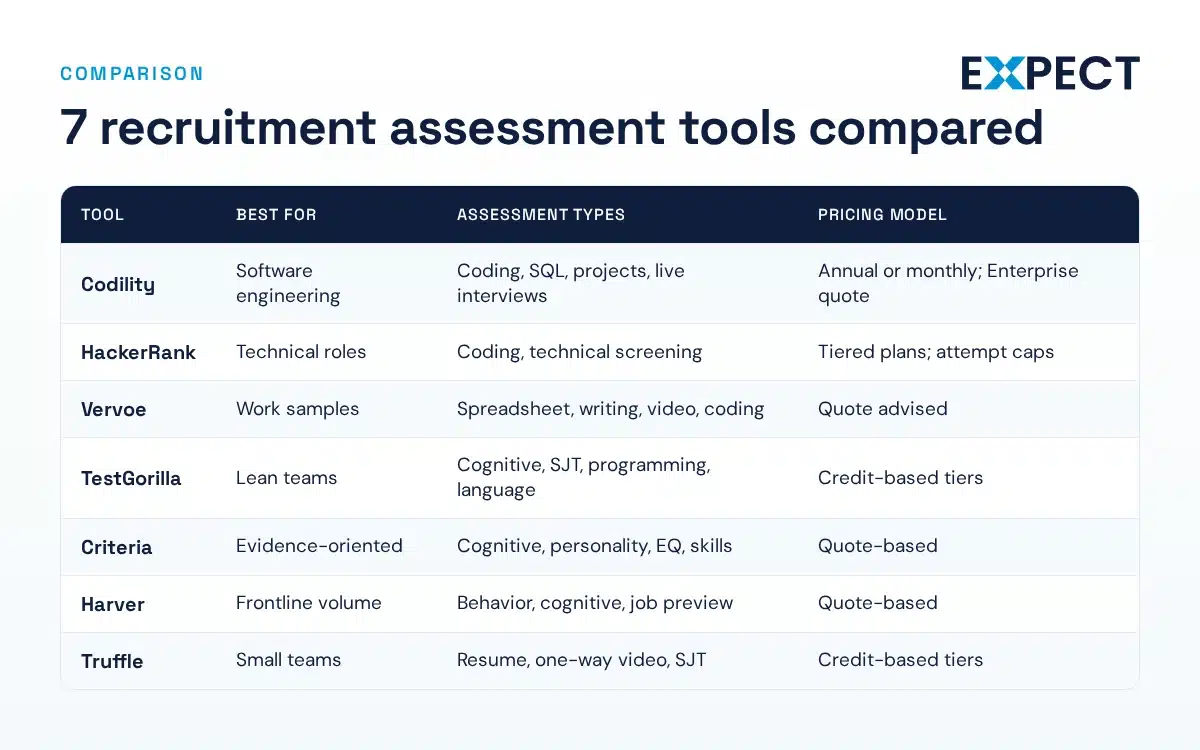
Candidate Assessment Software Comparison Table
| Tool | Best for | Assessment types | Pricing model | ATS integrations |
|---|---|---|---|---|
| Codility | Software engineering | Coding, SQL, projects, live interviews | Annual or monthly; Enterprise quote | One-on-one online plans; all on Enterprise |
| HackerRank | Technical roles | Coding, technical screening | Tiered plans; attempt caps | Pro and Enterprise only |
| Vervoe | Work samples | Spreadsheet, writing, video, coding | Quote advised | Via API |
| TestGorilla | Lean teams | Cognitive, SJT, programming, language | Credit-based tiers | Plus plan |
| Criteria | Evidence-oriented | Cognitive, personality, EQ, skills | Quote-based | Standard integrations listed |
| Harver | Frontline volume | Behavior, cognitive, job preview | Quote-based | Ask vendor |
| Truffle | Small teams | Resume, one-way video, SJT | Credit-based tiers | Ask vendor |
How Do You Pick and Pilot a Tool?
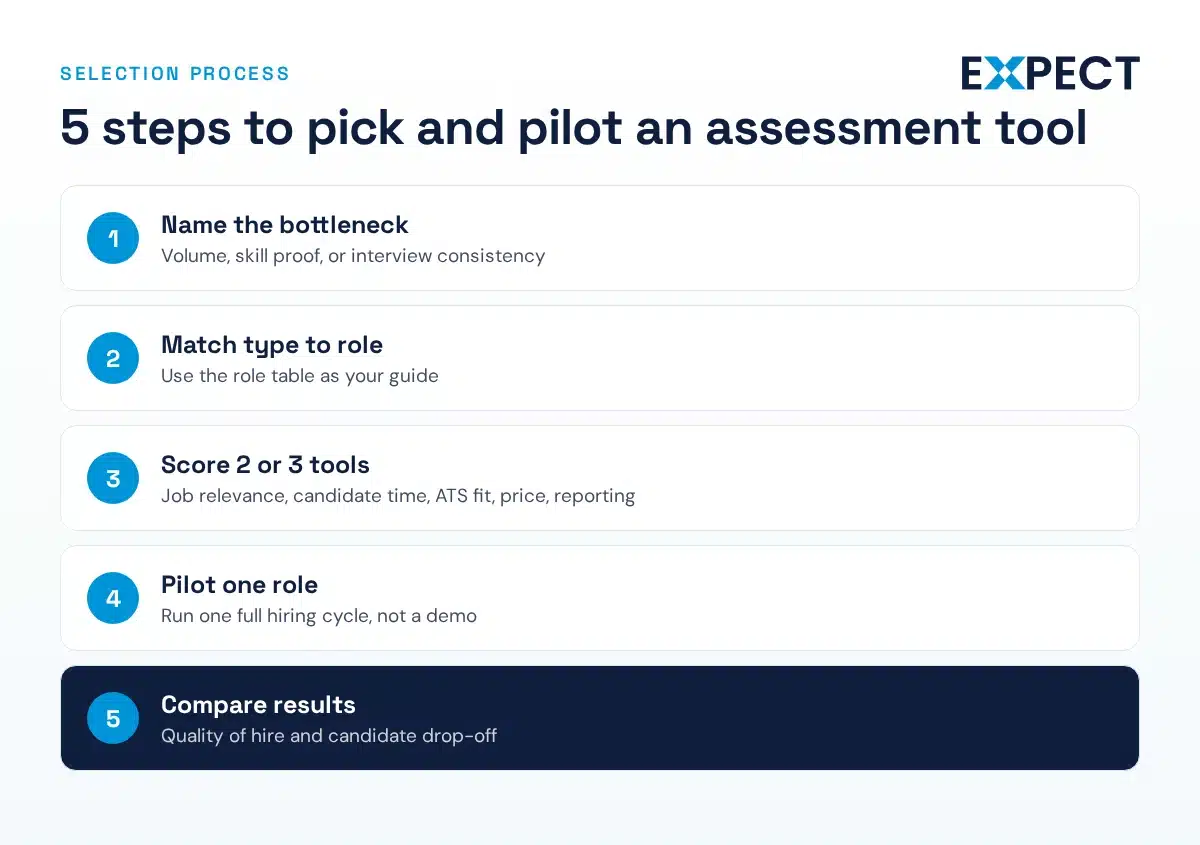
Pick pre-hire assessment tools after you name the problem. So, use this order:
- Name the hiring bottleneck: volume, skill proof, or interview consistency.
- Match the assessment type to the role, using the role table above.
- Score two or three tools on job relevance, candidate time, ATS fit, price model, and reporting. Example scores are hypothetical until you test.
- Pilot on one role for one hiring cycle. In short, one real role teaches you more than a demo does.
- Compare quality of hire and candidate drop-off before rolling out.
Next, ask every vendor for reliability and validity evidence. OPM says reliabilities above .70 are likely acceptable and a validity coefficient of .30 or higher is generally useful. So, treat vendor numbers as claims until you see the method. Also, these recruiting assessment tools also need accommodations. The EEOC says the ADA requires reasonable accommodations in test administration.
When Does a Recruiter Beat an Assessment Tool?
In short, a recruiter is a better choice than a tool if you’re hiring just a few people, the role is specialized, you don’t have time to create tests, or you need to fill a position quickly. Setting up and reviewing a test for only one or two hires usually costs more than it’s worth. Also, someone still has to review the results.
However, if your team doesn’t have time for that, using a tool can actually create more work.
Also, many employers look for talent assessment, pre-employment testing, or hiring assessment companies. However, often what they really need are candidate assessment services run by people. Recruiters can handle technical screens, practical tests, and structured interviews, then give you a shortlist of candidates.
So you’ll meet people who have already passed a real evaluation. This approach works for contract, contract-to-hire, or direct hire roles, anywhere in the country.
FAQs
What are recruitment assessment tools?
Recruitment assessment tools are software that test candidates’ skills, abilities, or behaviors before you interview or hire them. They include coding tests, work samples, cognitive tests, and short job previews. In short, they give you evidence beyond a resume, but they support your decision rather than make it.
What is the best pre-employment assessment tool?
However, the best tool depends on the job. Codility and HackerRank work well for software roles. However, HackerRank is also good for hiring many frontline workers. Also, TestGorilla and Truffle are helpful for small teams that need a range of tests. So, since no tool fits every job, try out two tools on one role before choosing.
How much do candidate assessment tools cost?
Prices can vary a lot. For example, in fall 2026, HackerRank Starter cost $79 a month when billed yearly, and Codility’s online plans started at $4,800 per year. Criteria and Harver give prices by quote. In addition, most vendors charge by candidate, credit, or attempt, so it helps to estimate how many candidates you’ll assess each year.
Are pre-hire assessments legal and fair to use?
Yes, but only if they are job-related and applied the same way to everyone. However, the EEOC says tests that disproportionately exclude a protected group must be job-related and consistent with business necessity. However, no tool removes bias, so review pass rates by group. This is general information, not legal advice.
Should I use an assessment tool or a recruiting agency?
First, use a tool when you hire many people for similar roles. Otherwise, use an agency when you hire few people, the role is technical or niche, or you need someone fast. In fact, many employers do both: a recruiter screens first, and your team uses a tool for a final skills check.
In short, not sure which fits your roles? Please tell us the role, and we will tell you.